Chrome, Edge and Chromebooks

Windows Mouse Mover for Chrome

Keeps the web apps in your browser seeing you as active and holds the screen awake while a long job runs. Pin it to the toolbar and start it with one click.
Try it free for an hour, no card needed.
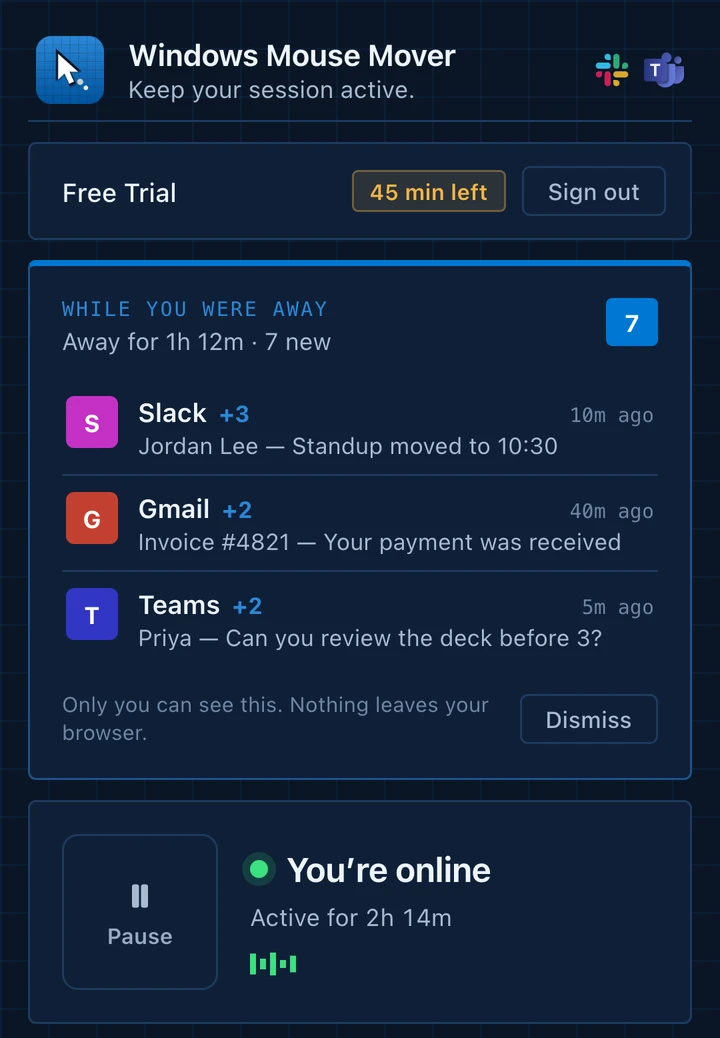
The Windows Mouse Mover popup with an Away Brief and the status: You're online, active for 2h 14m.
In your toolbar

One button, plus a recap of what you missed.

Press Start to stay active and Pause when you're back. The same popup holds your Away Brief and Insights.

  • Away Brief: notifications from Slack, Gmail, Teams and other web apps you have open
  • Insights: total hours, the last seven days and your streak
  • Everything stays inside your browser and is never uploaded
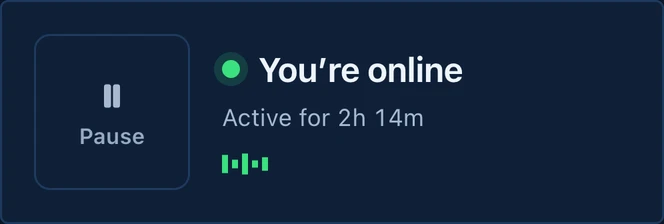
The control card: a Pause button and the status You're online, active for 2h 14m.

Two clicks to add it.

  1. Add to Chrome

    Open the Chrome Web Store page, choose Add to Chrome and approve the permission prompt.

  2. Pin it

    Click the puzzle-piece icon in the toolbar and pin Windows Mouse Mover so it's one click away.

  3. Sign in and press Start

    Log in or begin the free trial, then press Start. It runs while the browser is open.

What it covers, and what it doesn't.

It covers

  • Web apps in Chrome or Edge that judge idleness from page activity.
  • Your screen, held awake while the extension runs.

It doesn't cover

  • Anything outside the browser. Desktop apps and Windows power settings are untouched.
  • A closed browser or an enforced lock. It can't run when Chrome is closed or override your organization's policies.

Try it free for an hour.

No card needed to start. Then $8.99 a month or $80 a year, and you can cancel any time.

Add to Chrome